Twitter meme maker
Put your text in a plain bar above any picture, the way memes look on X. The bar grows to fit what you write, comes in Light, Dim or Dark, and downloads as a PNG. Works on your own photos, right in the browser. Free, no sign-up, no watermark.
Loading…
Or drop / paste an image. It stays on your device.
Stuck on the line? The caption generator writes ten in the tone you pick. Paste one in above.
How to make a Twitter-style meme
- 1
Type the text
Write it the way you would post it: sentence case, no all-caps, one or two lines. Line breaks are kept.
- 2
Pick a picture
Tap one of the reaction pictures, open the full template list, or upload, drop or paste your own. Your own image is processed in the browser and never uploaded.
- 3
Light, Dim or Dark
Match the bar to where it will be seen. The bar grows with the text, so long posts stay readable instead of shrinking.
- 4
Download the PNG
Download or copy it. “More editing” opens the full editor if you want text on the image too, a speech bubble or labels.
Light, Dim and Dark
Three downloads from the tool above, as they came out.
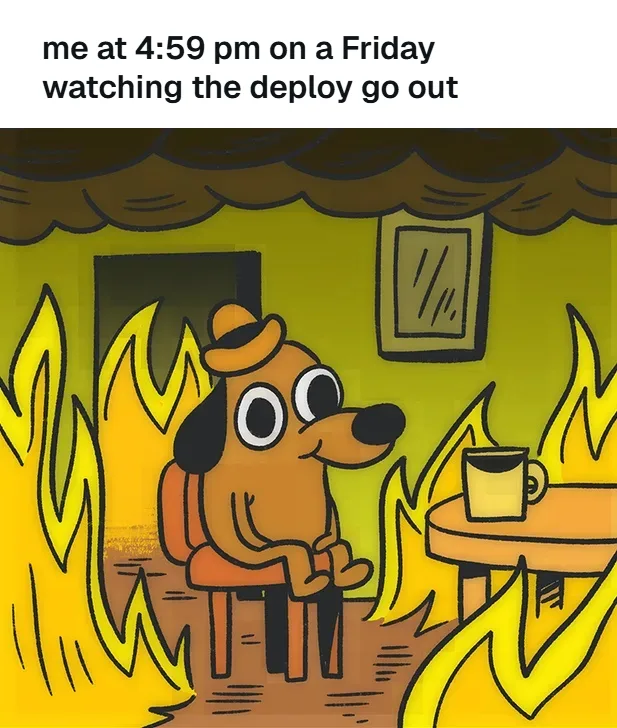
Light, medium text
The default look: white bar, near-black text, left-aligned. It reads like a post wherever it lands.
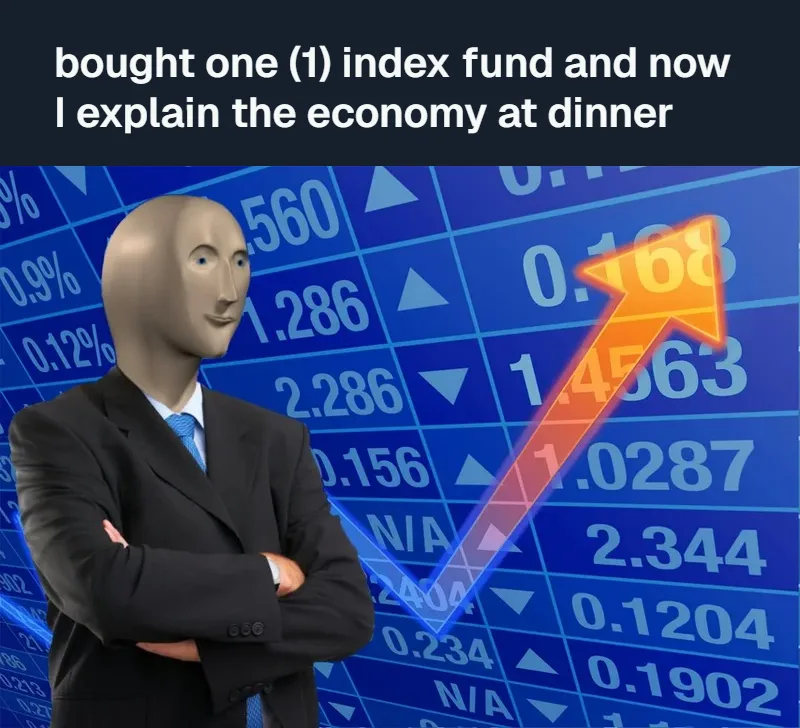
Dim, two lines
A longer line wraps and the bar gets taller. The text stays the same size as a one-liner.
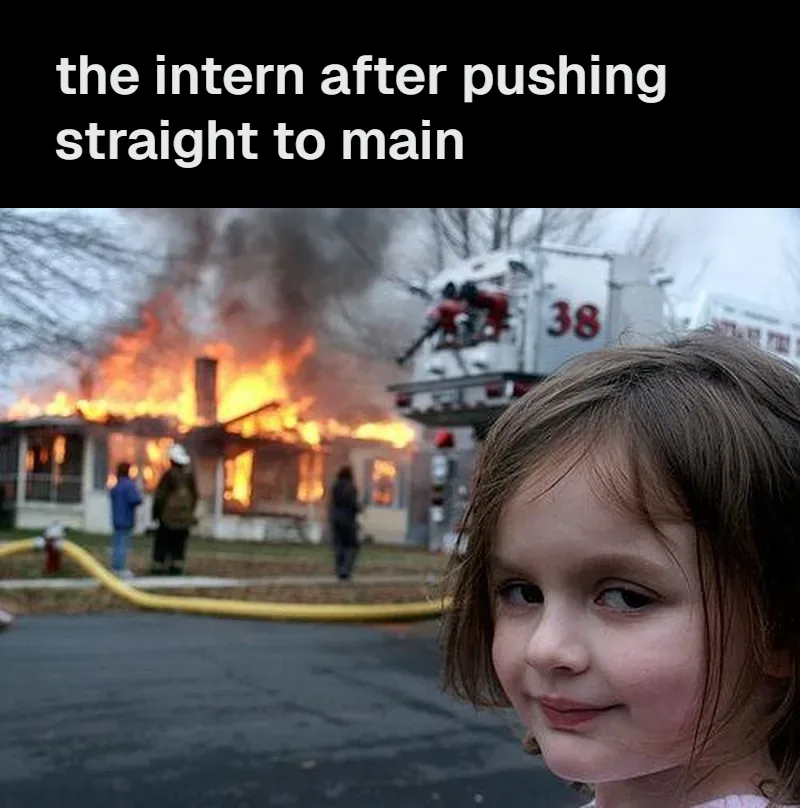
Dark, large text
Black bar for dark-mode feeds. Large text suits short lines that need to be read at thumbnail size.
Writing the text
Write in sentence case
The format is a post, not a poster. Lowercase “me when…” reads as a thought; ALL CAPS reads as shouting.
One idea, one or two lines
If it needs three lines, cut the setup. The picture is the punchline, so the text should only point at it.
Let the picture finish the sentence
“me after one (1) productive hour” over a man collapsing is funnier than describing that he collapsed.
Formats that fit the bar
“me when”, “nobody: / me:”, “POV:”, “day 3 of…”, “the [x] after [y]”. Line breaks are kept, so “nobody:” and “me:” can sit on their own lines.
Twitter bar or Impact text?
Use the bar when the joke is a sentence: a thought, a “me when”, a post you would actually write. The picture stays clean, so a busy photo still works. Use Impact top/bottom text when the joke is a setup and a punchline split across the picture, as on classic Bad Luck Brian or Y U No templates. The meme font page compares the two side by side.
Questions
What is a Twitter meme?
A picture with the joke written above it in plain text, the way a post with an attached image looks on Twitter / X. No Impact font, no outline, usually sentence case. Screenshots of posts like that got shared everywhere, so the look became a meme format of its own, even outside Twitter.
Does this make a fake tweet?
No. It makes the format: text in a bar above a picture. There are no names, handles, profile pictures, checkmarks, dates or like counts, and we don’t plan to add them. Making a post look like it came from a real person who never wrote it is something we won’t build.
What font is used?
A clean sans-serif (Geist, falling back to your system’s sans font), semi-bold. X itself uses its own Chirp font, which isn’t licensed for other sites, so no tool can use it legitimately. At meme size the difference is hard to spot.
What do Light, Dim and Dark mean?
They are the three colour themes the X app offers: white, dark blue-grey and black. Pick the one most of your audience uses, or white if you are not sure; white also reads best once the image is shared outside X.
Why does the bar get taller instead of the text getting smaller?
Because shrinking text is what makes long captions unreadable on a phone. The text stays at the size you picked and the bar grows to fit it, which is also how a real post behaves. The image itself is never cropped or squashed.
Can I use my own photo?
Yes. Upload, drag it in, or paste it with Ctrl+V / Cmd+V. The image is resized and drawn in your browser; it is not sent to our server.
Is it free? Is there a watermark?
Free, no account, no watermark. Nothing on this page uses AI, so there is no generation limit either. If you want the AI to write the line, the caption generator does that.
AI meme generator · Meme caption generator · Speech bubble memes · Meme font